Back to Blog April 25, 2026

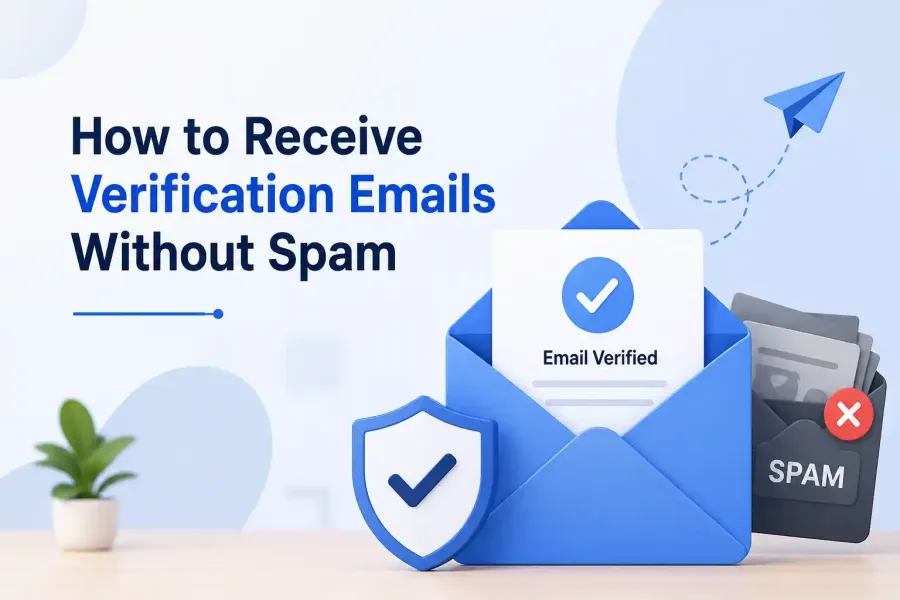
How to Receive Verification Emails Without Spam

Learn effective strategies to ensure you receive verification emails without the hassle of spam.

How to Receive Verification Emails Without Spam

```html

Many users often face the frustrating issue of not being able to receive verification email messages from various online services. Whether it's a new account setup, password reset, or an authentication request, these emails are crucial for accessing and managing online accounts. Unfortunately, many factors can result in these important emails landing in spam folders or, even worse, not arriving at all.

This guide will explore common reasons why verification emails may not be received, how to prevent emails from being marked as spam, and the benefits of using temporary email services like TempEmailBox to streamline your email experience.

Why You Might Not Receive Verification Emails

There are several reasons users do not receive verification emails. One common issue is that the email service provider may mistakenly classify these messages as spam. According to Google Help, many users have reported not receiving verification emails in Gmail accounts, which may stem from strict filtering settings or the email being sent from an unrecognized domain.

Another potential reason is that the email address provided during sign-up may contain a typo. A simple misspelling can result in the email being sent to the wrong address, leaving you without the verification link you need. Additionally, some service providers may experience technical issues or delays in their email systems, causing verification emails to be sent out later than expected. For example, a thread on the Figma Forum highlights users who have waited over a week to receive their verification emails due to such technical glitches.

How to Ensure You Receive Verification Emails

To successfully receive verification emails, start by double-checking the email address you entered during the registration process. Ensure that there are no spelling mistakes and that you are using a valid domain. If you believe your email is correct but still do not receive the email, try checking your spam or junk folders. Sometimes, legitimate emails can end up there due to the filters set by your email provider.

If you consistently find that verification emails are being directed to your spam folder, consider adjusting your email settings. You can whitelist the sender’s email address or domain to ensure that future emails are delivered straight to your inbox. Most email services allow you to edit spam filter settings, which can drastically improve your chances of receiving important messages.

The Benefits of Using Temporary Email Services

Using a temporary email service like TempEmailBox can be an effective solution for managing verification emails without cluttering your primary inbox. These services generate a disposable email address that you can use for sign-ups, allowing you to receive verification emails without exposing your personal information. This not only protects your privacy but also can significantly reduce the amount of spam you receive in your main email account.

Moreover, temporary email services are handy for users who frequently sign up for various websites or services that require email verification but may not be trustworthy. By using a temporary email, you can avoid potential spam and phishing attacks that often come from dubious sources. Research shows that around 45% of all emails sent worldwide are spam, underscoring the importance of safeguarding your primary email address (Census Bureau).
Related Article

Why Am I Getting Spam Emails? Understanding and Solutions
Mar 22, 2026

Why Am I Getting Spam Emails? Understanding and Solutions

Discover the reasons behind your overflowing spam inbox and effective strategies to reduce unwanted…

```

Utilize Email Filters Effectively

One efficient way to manage your inbox and ensure you receive verification emails without them getting lost in spam is to utilize email filters. Most email services, such as Gmail and Outlook, offer customizable filters that allow you to direct specific types of emails to designated folders. By setting up a filter for verification emails, you can avoid the risk of them being misclassified as spam.

To create a filter, start by identifying the common elements in the verification emails you expect to receive, such as the sender's email address or specific keywords used in the subject line (like "Verify your email"). For example, in Gmail, you can go to Settings, select Filters and Blocked Addresses, then create a new filter with the criteria you’ve identified. This will ensure that any email meeting that criteria is either delivered straight to your inbox or tagged in a way that makes it easy to find later. Not only does this help keep your inbox organized, but it also increases the chances that important verification emails will not be overlooked.

Whitelisting Important Senders

Whitelisting is another crucial step in ensuring that you receive verification emails seamlessly. This process involves explicitly allowing certain email addresses or domains to bypass the spam filters set by your email service provider. By adding the email addresses of platforms you frequently use to your whitelist, you help ensure their verification emails land in your inbox.

To whitelist a sender in Gmail, for instance, you can add their email address to your contacts list. This action signals to Gmail that you trust this sender, reducing the likelihood of their emails being marked as spam. Similarly, in Outlook, you can add trusted senders through the Junk Email Options, ensuring that their emails are treated with priority. You can find detailed instructions on how to manage your safe senders list in the Microsoft support page.

Regularly Monitor and Clean Your Inbox

Regularly monitoring your inbox and cleaning it out can significantly enhance your chances of receiving verification emails. A cluttered inbox can lead to important emails being buried under less critical ones, making it easier for verification emails to go unnoticed. By regularly archiving or deleting emails that are no longer relevant, you can create a more organized space where important messages are more visible.

Additionally, consider setting specific times during your week to check for verification emails, particularly after signing up for new services. This practice not only helps you stay on top of necessary verifications but also allows you to promptly address any issues if emails do not arrive as expected. Consistency in checking your inbox can lead to better management of email communication, reducing anxiety about missing crucial emails. Moreover, tools like Unroll.me can assist in cleaning up your inbox by allowing you to unsubscribe from unwanted newsletters and promotional emails, further streamlining your email experience.

Related Article

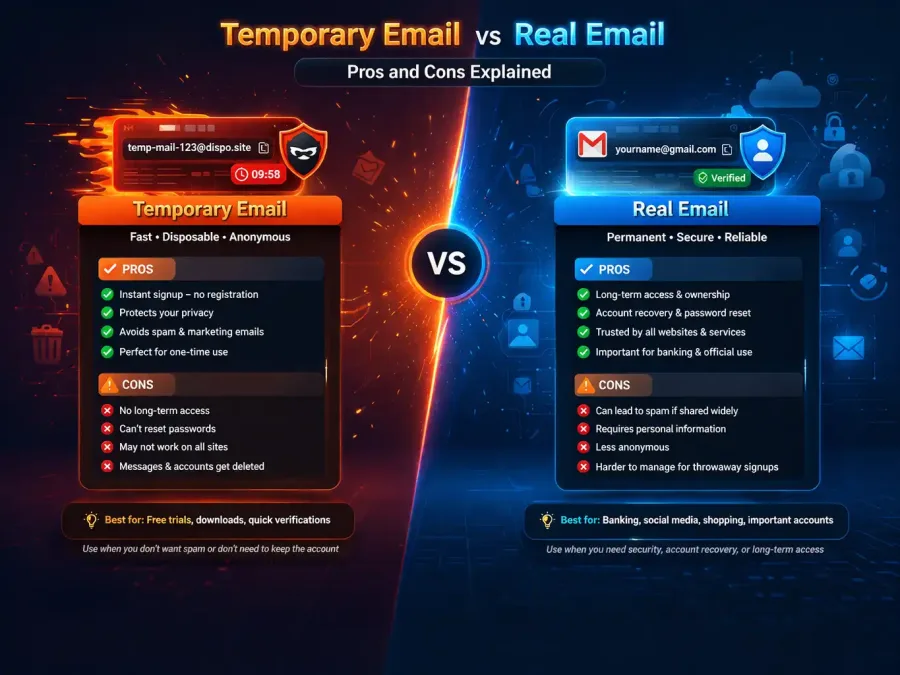
Temporary Email vs Real Email: Pros and Cons Explained
Mar 23, 2026

Temporary Email vs Real Email: Pros and Cons Explained

Explore the advantages and disadvantages of temporary email and real email services to find the bes…

You Might Also Like

View All