In today's digital age, it is crucial to know how to protect your inbox from spam. Spam emails not only clutter your inbox but can also pose serious security risks by carrying malware or phishing attempts. Understanding the best ways to safeguard your inbox from these unwanted messages can help you maintain both your productivity and your privacy.
Spam emails are a common issue that many users face, with reports indicating that over 50% of all emails sent are spam. This staggering statistic highlights the importance of taking proactive steps to protect your inbox from spam. By implementing a few key strategies, you can significantly reduce the volume of spam emails you receive and protect your personal information from malicious intent.
Utilize Spam Filters Effectively
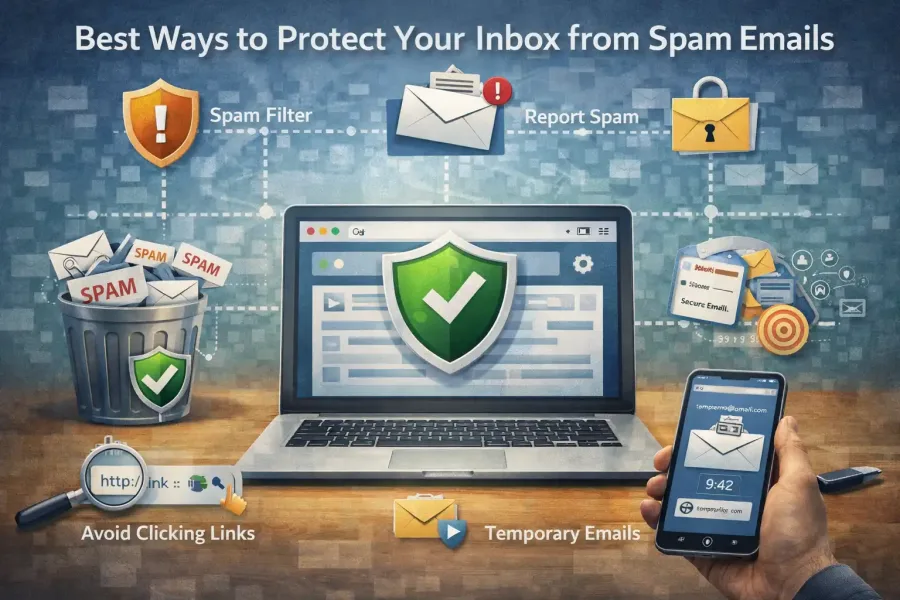
One of the most effective ways to protect your inbox from spam is by utilizing the spam filters provided by your email service. Most email providers today have advanced filtering options that automatically detect and redirect potential spam to a separate folder. However, these filters are not foolproof; therefore, it is essential to customize them according to your needs.
Begin by reviewing the settings of your email account to ensure that spam filtering is enabled. Many platforms allow you to mark emails as spam, which helps improve the filter's accuracy over time. Additionally, you can create custom rules that automatically delete or move emails from specific senders or containing certain keywords. This level of personalization allows for a more tailored approach to managing your inbox and enhancing your overall email experience.
Be Cautious When Sharing Your Email Address
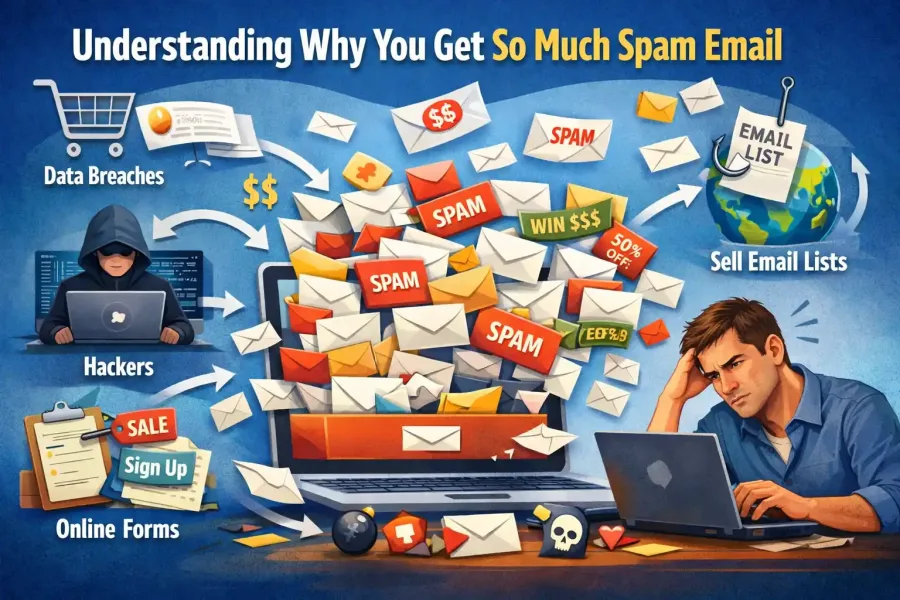
Another essential practice in your efforts to protect your inbox from spam is to be cautious about where and how you share your email address. It’s important to remember that every time you provide your email for newsletters, sign-ups, or online forms, there’s a risk of it being sold or exposed to spammers. Before sharing your email address, consider whether the website or service is reputable and necessary.
For additional protection, consider using a temporary email service like TempEmailBox when signing up for websites that require an email verification. This approach allows you to create a disposable email address that can receive messages for a limited time, which greatly reduces the potential for spam in your main inbox. You can easily discard this temporary email once you no longer need it, effectively keeping your primary email address private.
Report and Unsubscribe from Spam Emails
When faced with spam emails, it’s important not only to delete them but also to take action by reporting and unsubscribing from unwanted communications. Most reputable email services provide an easy way to report spam, which helps improve their filtering systems and protect other users. By marking emails as spam, you contribute to the overall effort to reduce spam across the network.
Additionally, legitimate businesses often include an unsubscribe link at the bottom of their emails. If you receive newsletters or promotional emails that you no longer wish to receive, take the time to unsubscribe rather than simply deleting them. This action can prevent future emails from cluttering your inbox and is a straightforward method to manage unwanted correspondence. For more information on how to effectively deal with unwanted emails, check out our article on Why Am I Getting Spam Emails? Understanding and Solutions.